Landlords and property managers
The Real Estate CRM: leases, the rent ledger, maintenance, expenses, loans and taxes.
Sign in to the CRM →VoucherOS · Real Estate CRM
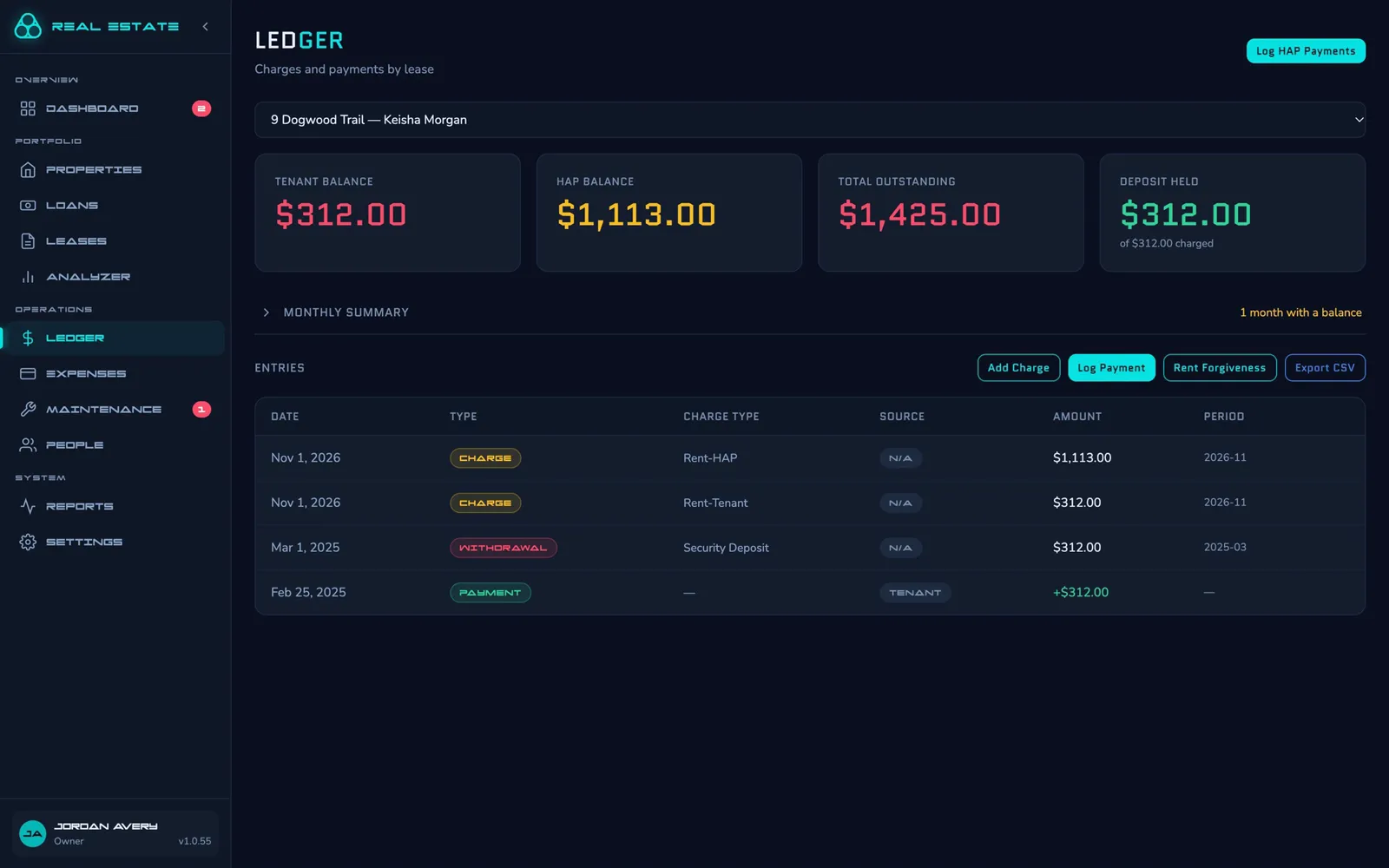
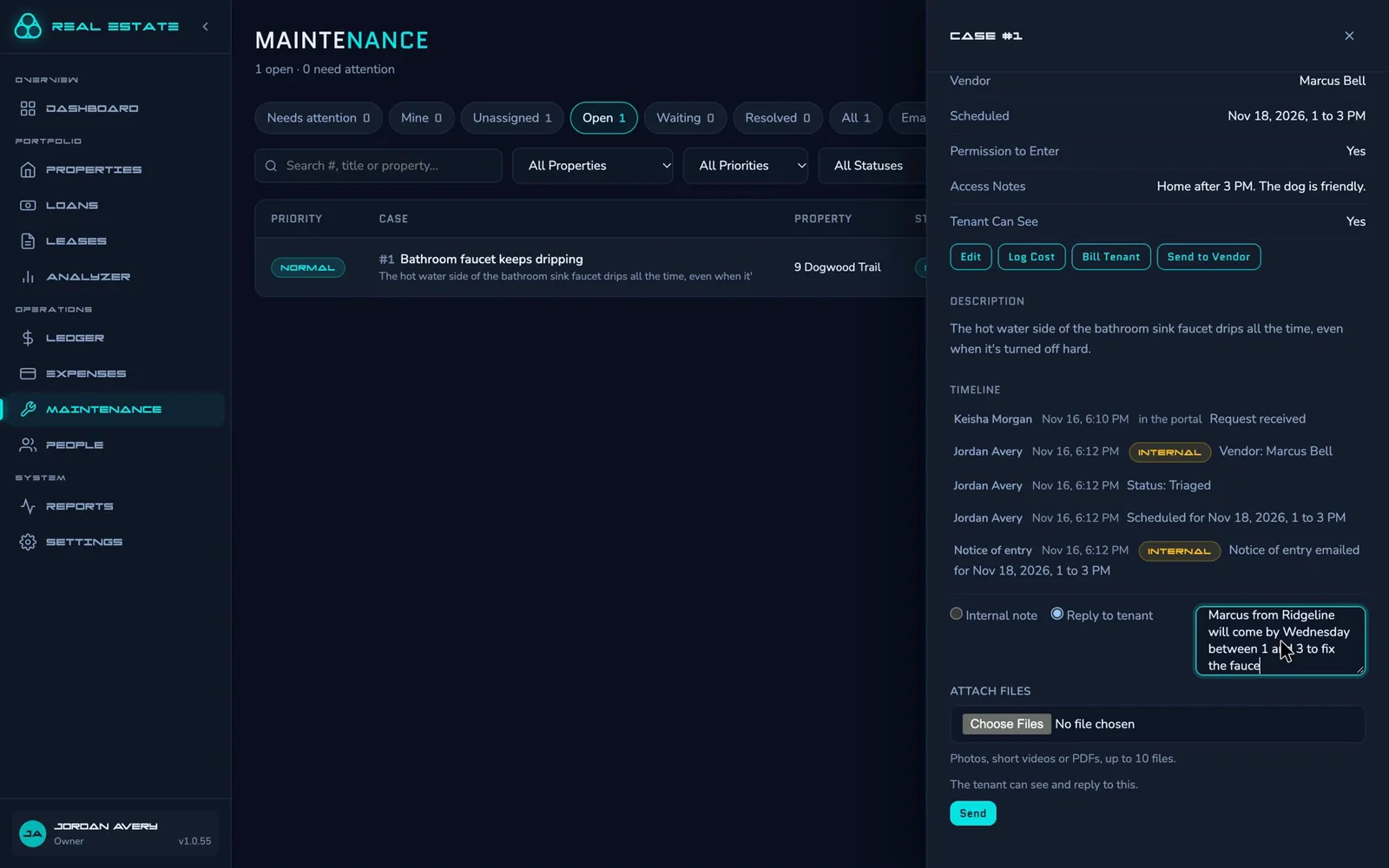
Every Housing Choice Voucher lease has two balances: the tenant's share and the HAP. The Real Estate CRM keeps them apart, then runs the rest of the business around them: maintenance, inspections, expenses and Schedule E.
From $2 a month. Tenants never pay.
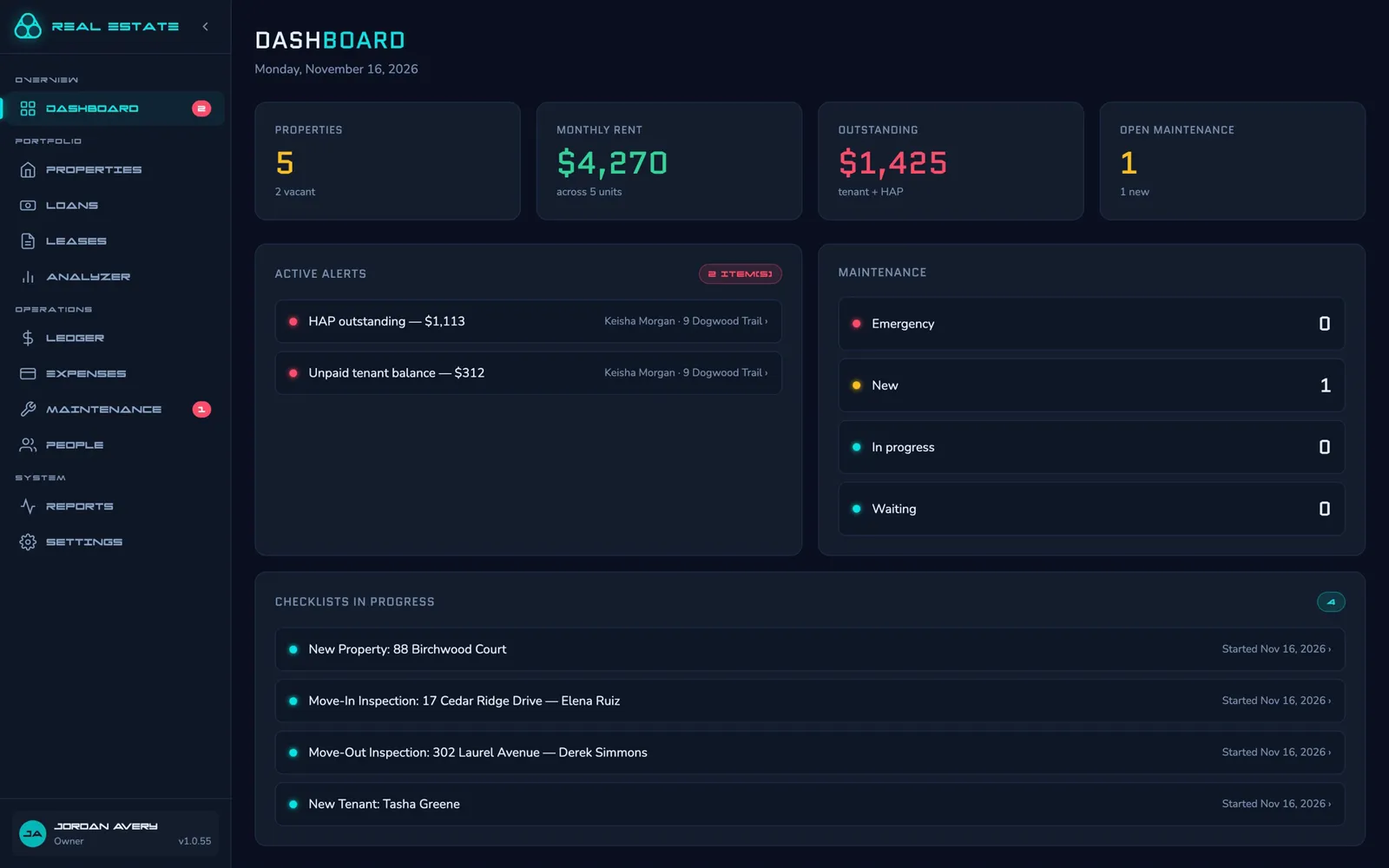
The Real Estate CRM: leases, the rent ledger, maintenance, expenses, loans and taxes.
Sign in to the CRM →Your balance, your lease, repair requests and questions, and your move-in report. Your landlord sends the invitation.
Sign in to the tenant portal →A view for public housing agencies, built on the same records your landlords already keep.
Coming laterThe ledger
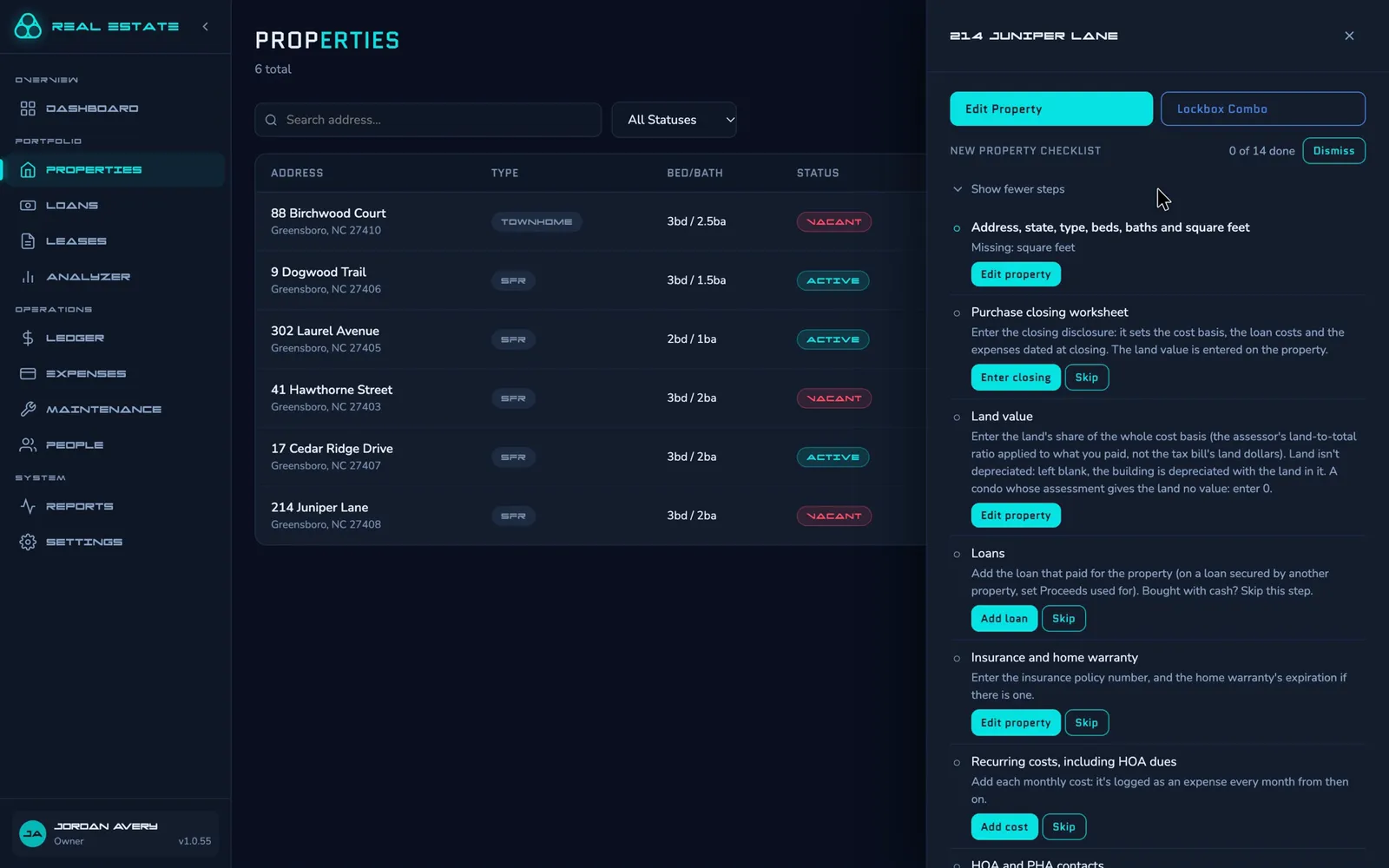
Checklists
Maintenance
Tenants see their balance and lease, send repair requests with photos, ask questions, record move-in and move-out condition reports, and choose their own email reminders.
Rent, expenses, 1098 interest and depreciation, property by property. Preview the year in the app or download the workbook for your preparer.
Late-fee caps, grace periods and deposit limits for North Carolina and Maine are checked on every lease. More states are on the way.
Return a deposit with itemized deductions, and get a reminder before the state's deadline while it's still held.
Enter the closing disclosure once. It sets the cost basis, the loan costs and the expenses dated at closing.
Run the numbers on a house before you buy it. After you do, compare its forecast with what it actually earned.
Share one link and applicants fill in the intake form themselves. It starts the new-tenant checklist for you.
A REST API and webhooks, so your own tools and scripts can read your records and hear when they change.
Staff sign in with a passkey or a password plus an authenticator code. ID numbers are encrypted, and Social Security numbers are never stored.
Works with your AI assistant
Connect Claude, or any assistant that supports MCP connectors, to your account. It works as you, with only the access you approve, and through the same rules as the app.
Example
Here's my rent roll. Add these to the CRM.
rent-roll.xlsxAdded 12 properties, 14 tenants and 12 leases, 9 of them with a housing authority paying part of the rent. Two of the leases don't list a late fee: what do they charge, or is there none?
Give me every payment since 2022 as a spreadsheet.
Here it is: one row per payment, with the lease, the tenant, and whether the tenant or the housing authority paid.
payments-2022-2026.xlsxPricing
Every feature is included. There's no charge per user: your staff and your tenants are free. Pay monthly, or yearly for less.
$2 a month
or $10 a year
$10 a month
or $100 a year
$25 a month
or $200 a year
We'll agree a price with you.
Get in touch →Prices are in US dollars, before any sales tax that applies.